Master Layers
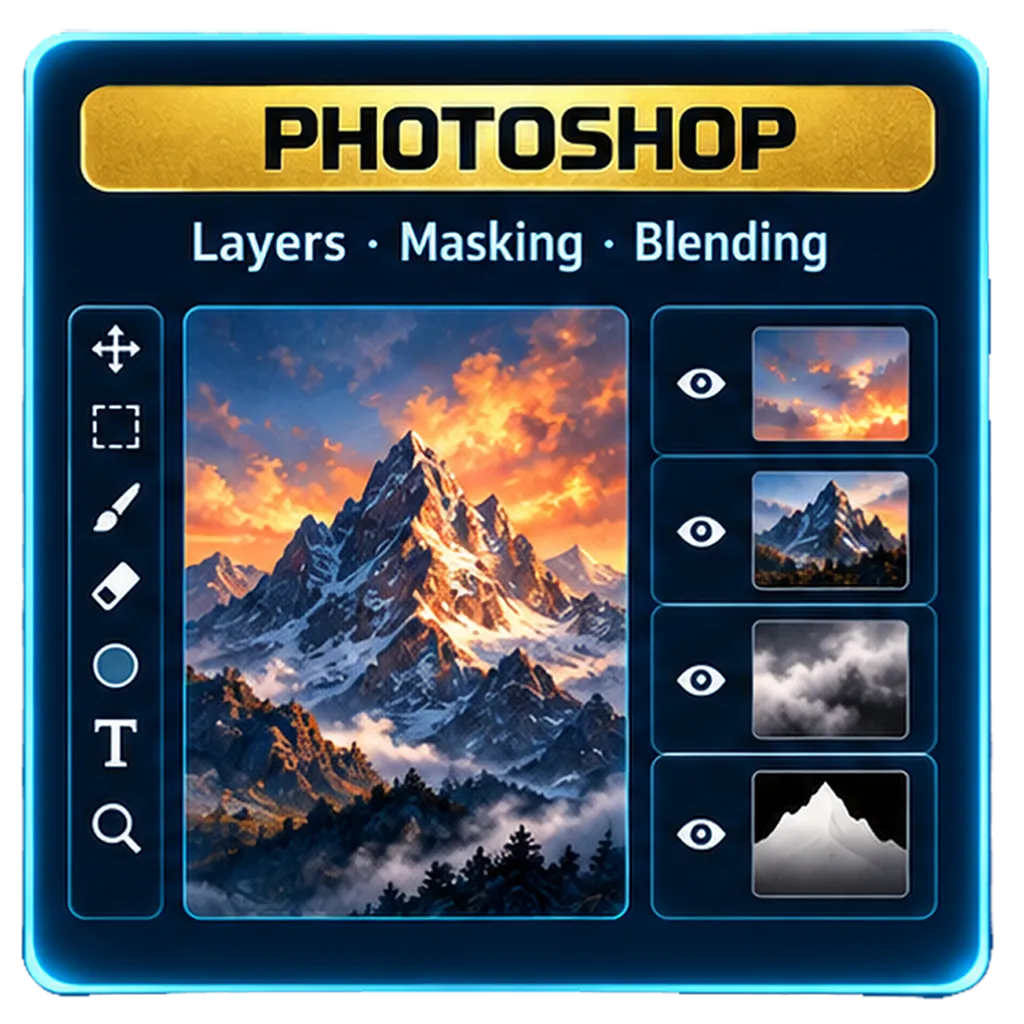
Understand the core of Photoshop and build non-destructive workflows one layer at a time.



01 · Photoshop


Waiting for layers
A finished image is really a stack of decisions. Pull a layer from the tray, drop it into the composition, and see how sky, atmosphere, light, depth and subject work together.
Visit the Photoshop sectionUnderstand the core of Photoshop and build non-destructive workflows one layer at a time.
Combine layers creatively and use blending modes to shape light, texture and powerful effects.
Learn precise masking techniques to reveal, hide, isolate and refine each part of a composition.
Use adjustment layers to enhance color, contrast and tone without changing the source artwork.
Layers give you the freedom to experiment, iterate, reorder and bring complicated ideas to life.
02 · AI-Assisted Art Direction
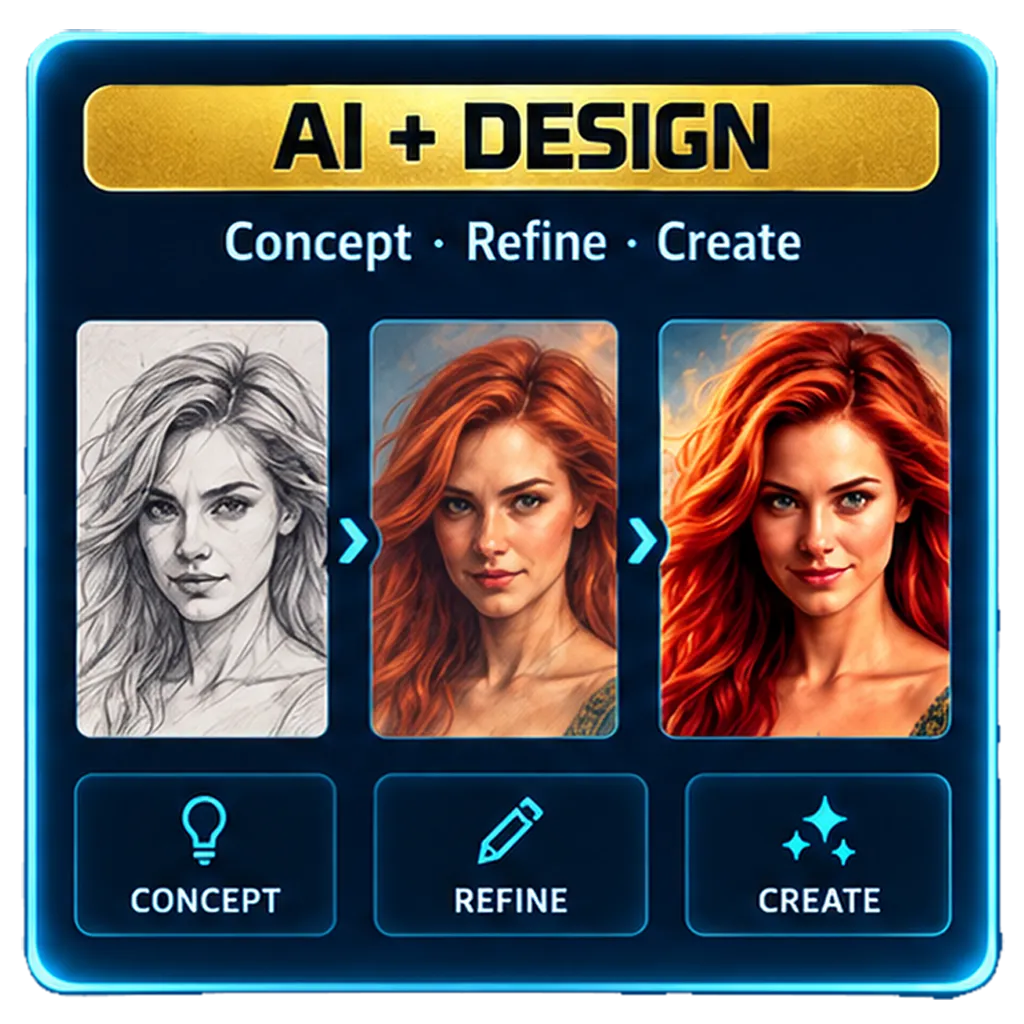
Learn to create custom images and animated videos—from the first idea to the final frame.
Choose the subject, mood, setting, and visual story before generating anything.
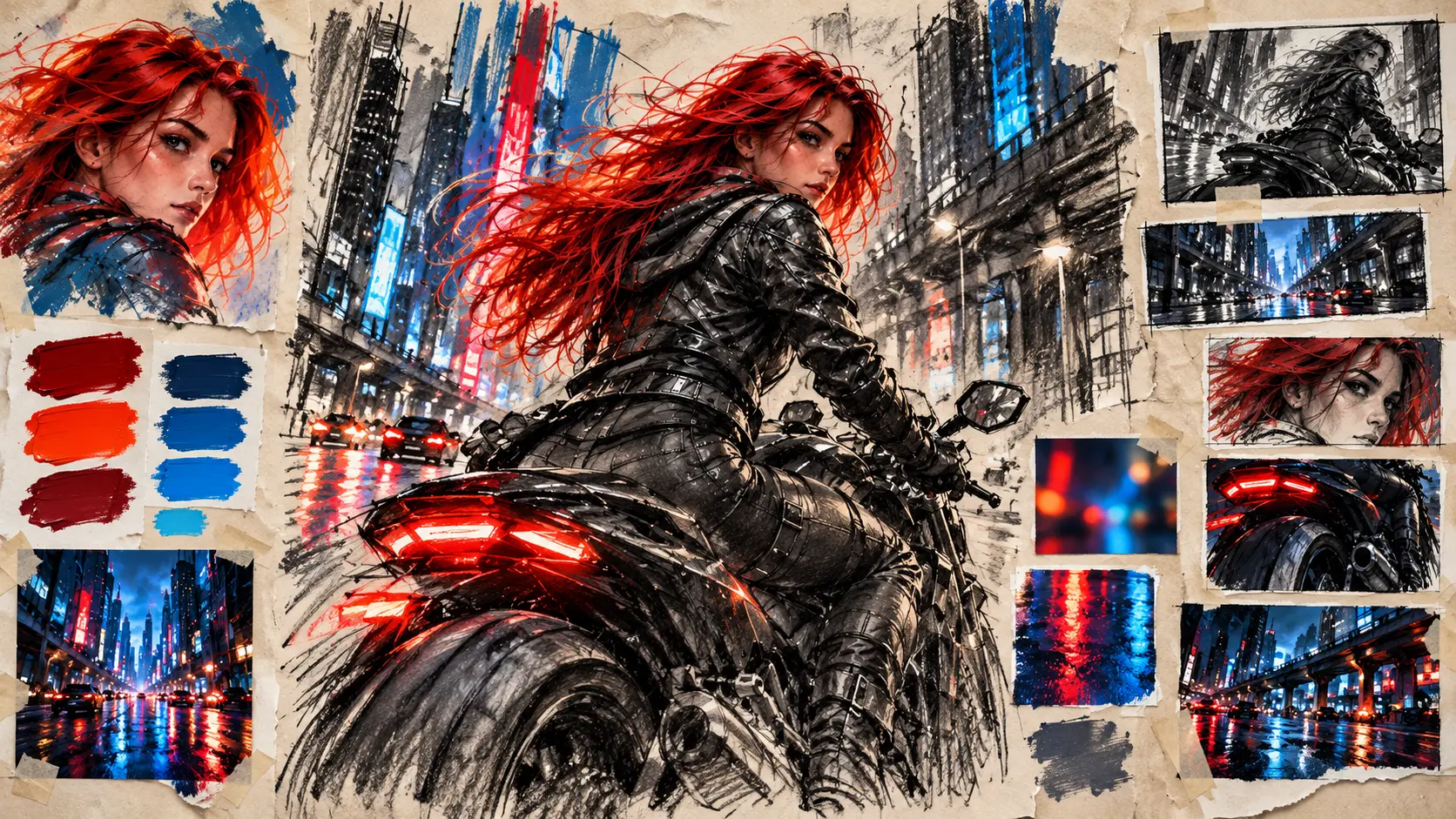
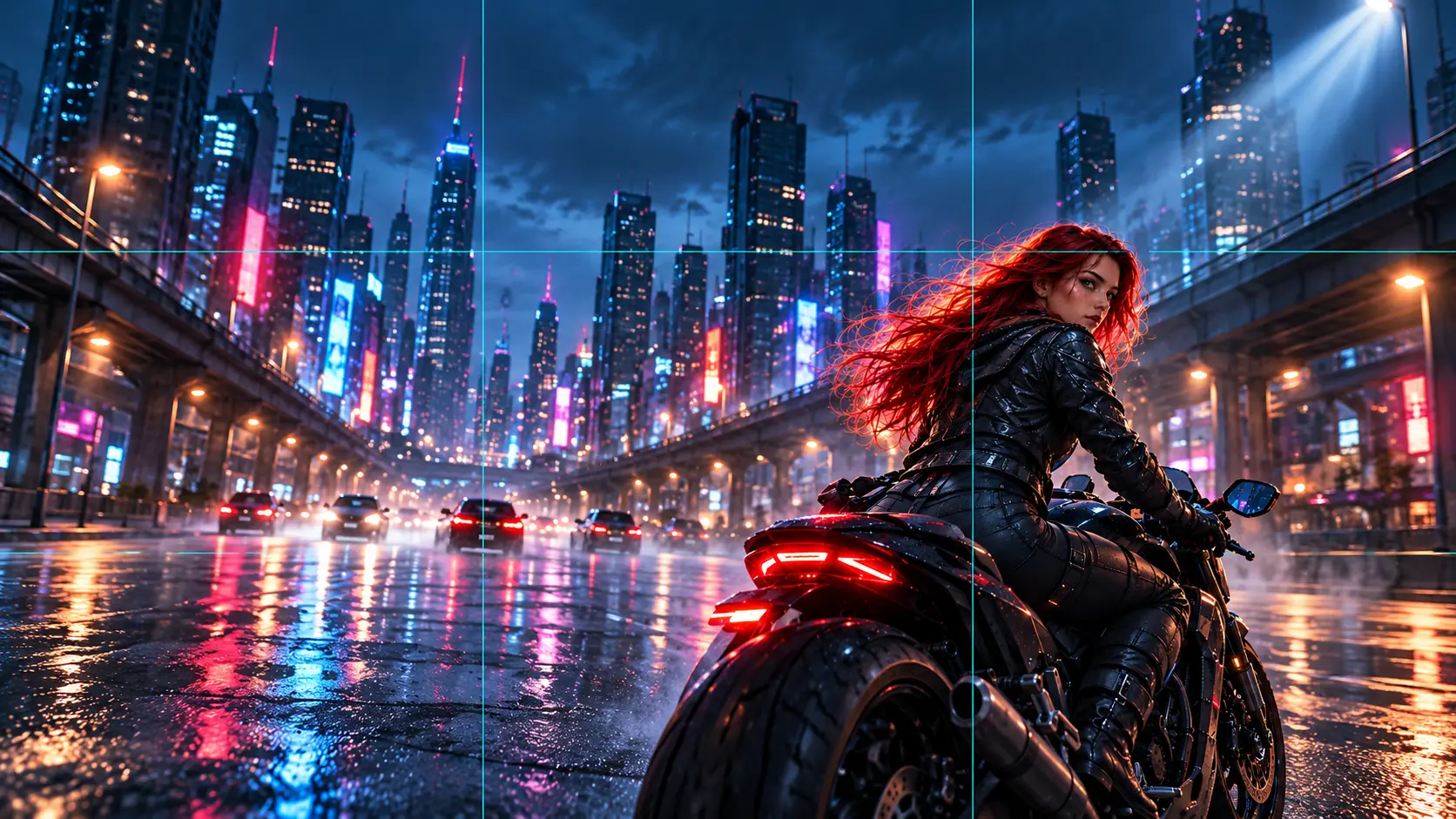
Guide the composition with a clear prompt, camera angle, light, and point of view.
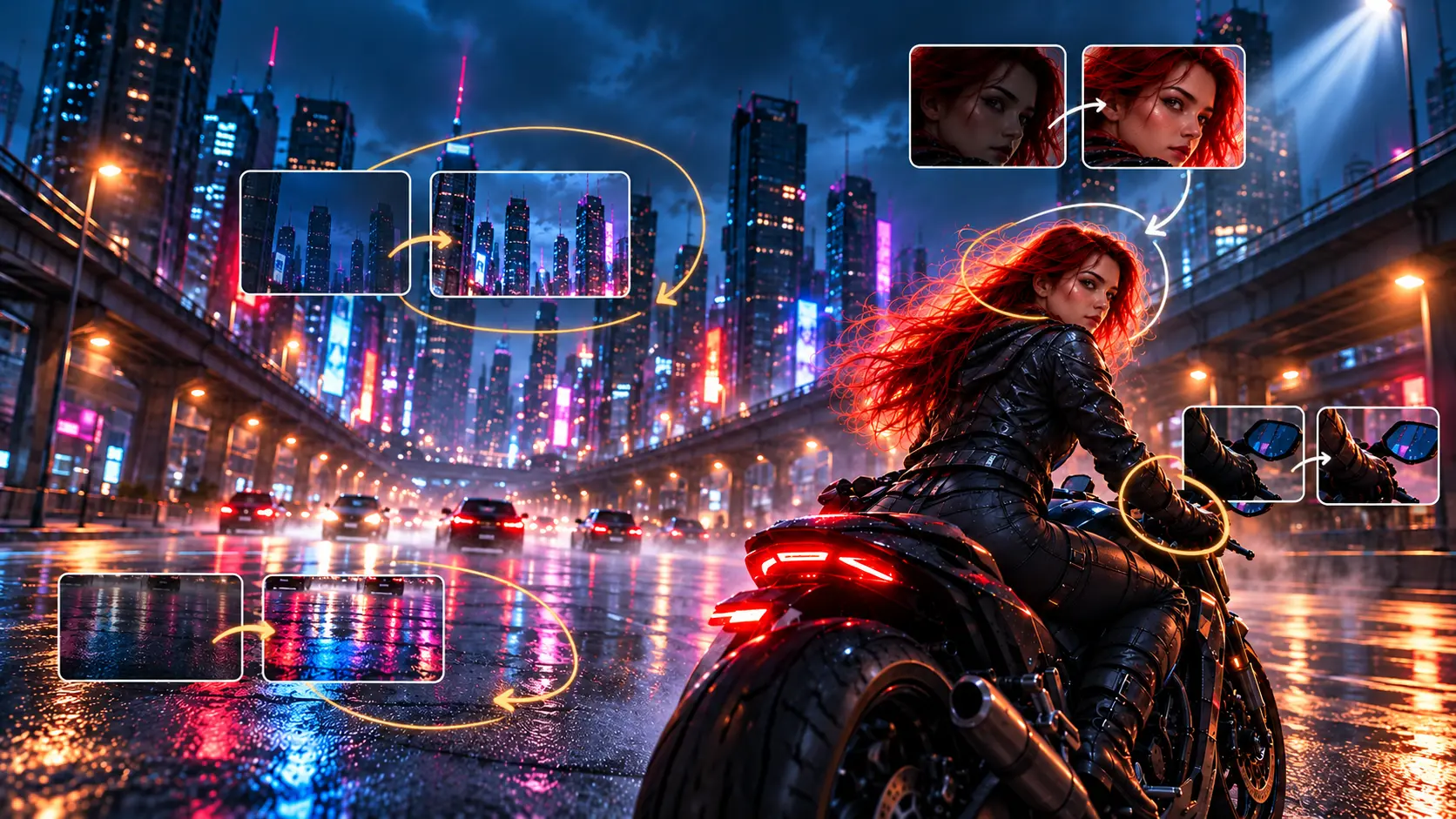
Spot weak details, check continuity, and decide what should change next.
Polish the image, plan the motion, and turn a finished frame into a short scene.

01 · Quick guide
Who or what is the viewer meant to notice first?
Collect color, lighting, setting, and camera references.
Describe the action and what the image should make someone feel.
02 · Quick guide
Set distance, angle, focal point, and space around the subject.
Name the source, direction, color, and atmosphere.
Keep the strongest parts while you test a focused revision.
03 · Quick guide
Check framing, camera angle, and where the viewer's eye goes.
Look for hands, faces, light direction, and scene details.
Resolve visual artifacts and decide how the action will move.
04 · Quick guide
Retouch, color grade, and make the story read in one glance.
Start with her glance, turn forward, then ride away.
Watch for consistent face, bike, road, and motion direction.
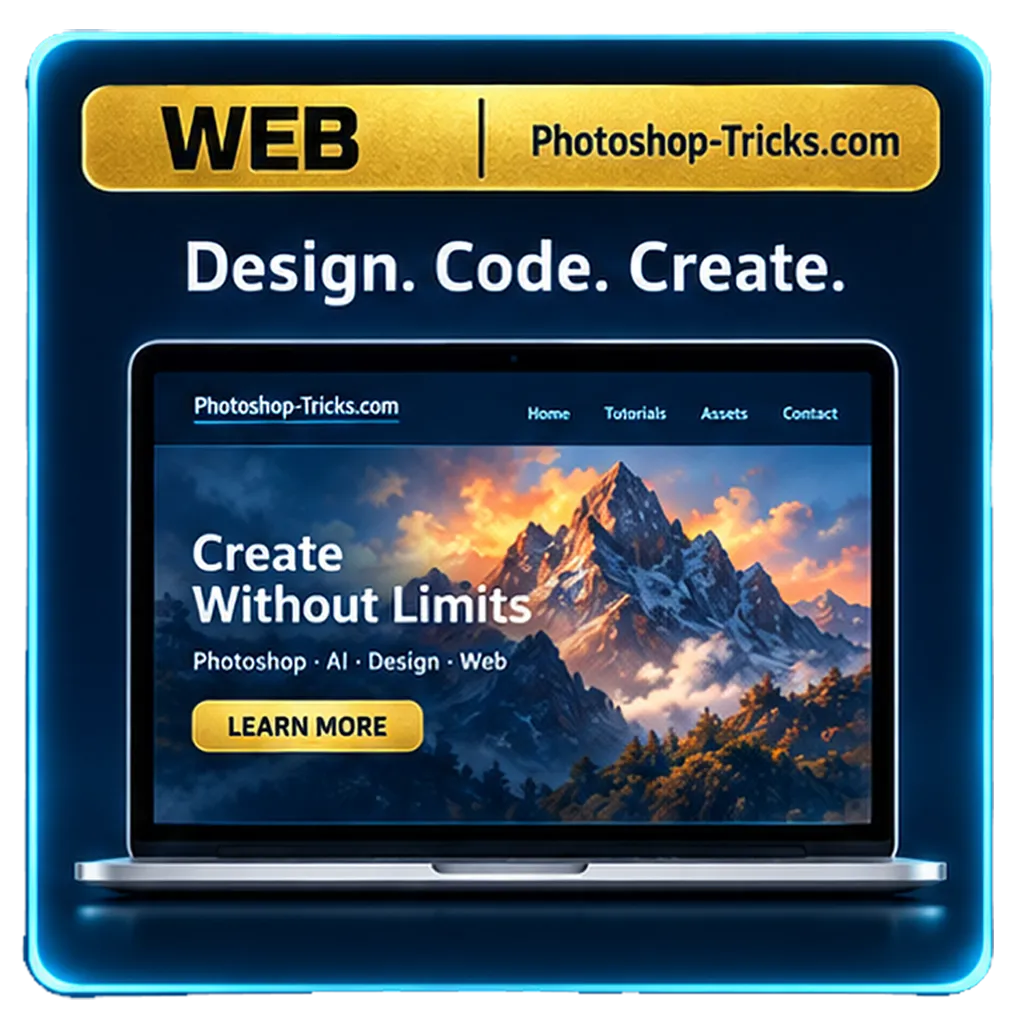
Structured, optimized, and easy to customize.
Scroll effects, animations, and engaging UI elements.
Looks great on desktop, tablet, and mobile.
See how it's built, step by step.
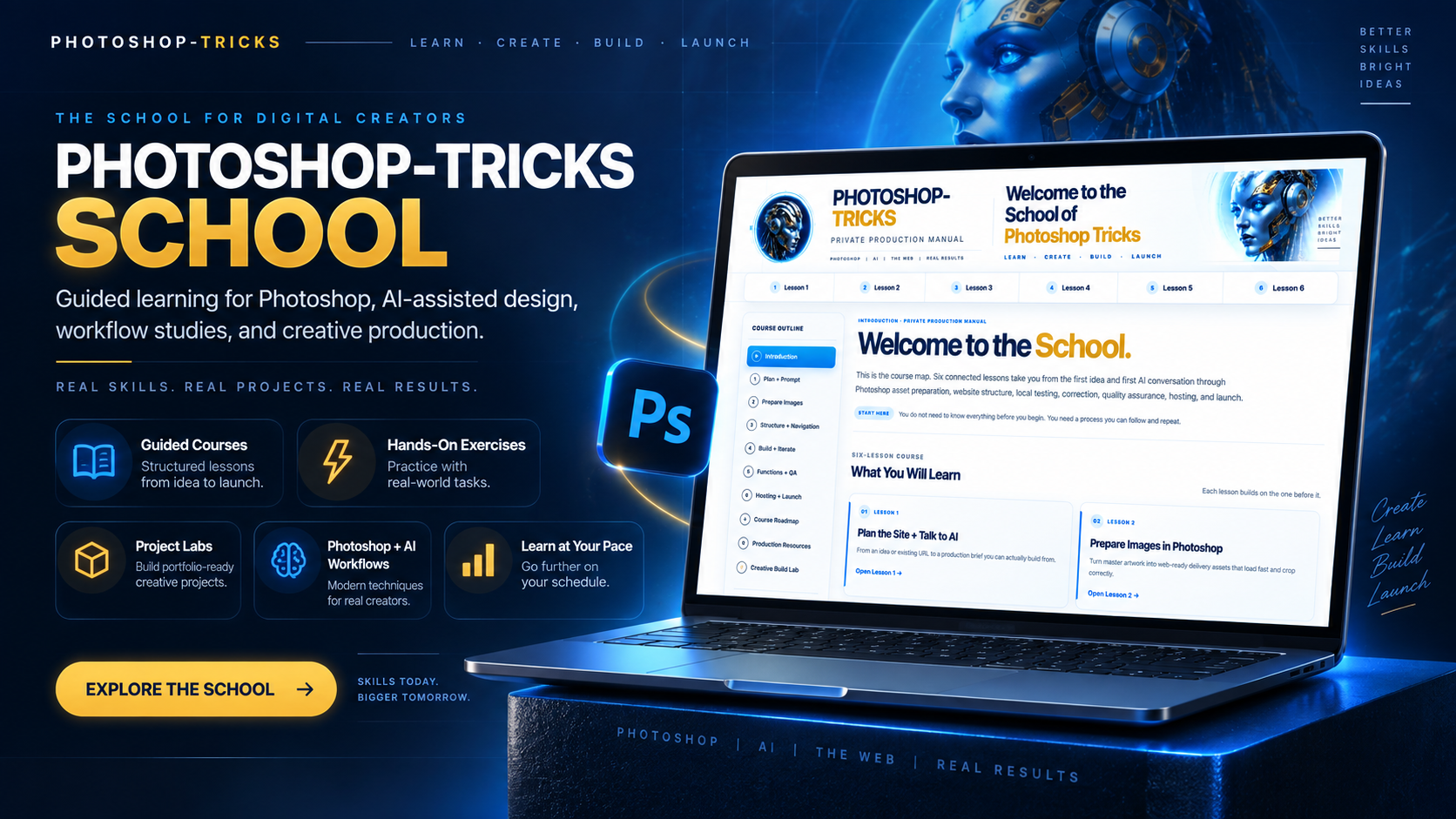
Independent Educational Project
Photoshop-Tricks.com is an independent educational and creative project. It is not affiliated with, endorsed by, sponsored by, or operated by Adobe Inc.
Adobe and Photoshop are trademarks or registered trademarks of Adobe Inc. References to Adobe products or other third-party products are made for identification, commentary, instruction and educational discussion. All trademarks and product names remain the property of their respective owners.
Photoshop-Tricks.com does not claim ownership of third-party trademarks, software interfaces or proprietary materials. The new Photoshop-Tricks.com experience uses its own original website design, interface components, graphics, demonstrations, prompts, code examples and educational presentation except where another source is clearly identified.
Content is provided for educational and informational purposes. Product features, services, software interfaces and third-party terms may change. Users should consult the applicable product owner’s current documentation and licensing terms.